Windows11如何自动清空回收站?
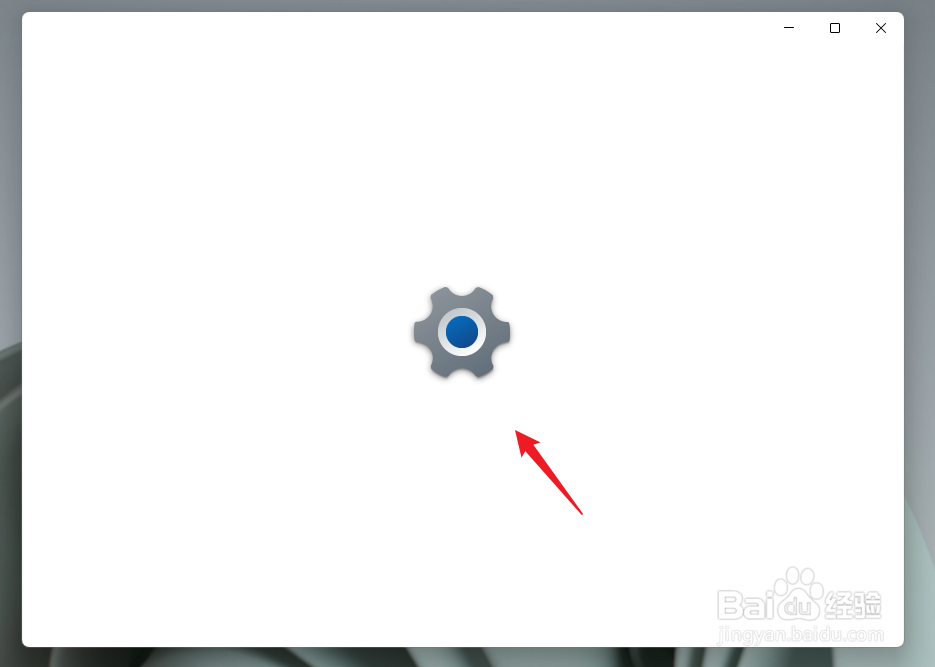
1、使用快捷键Windows+I,打开系统设置,如图。
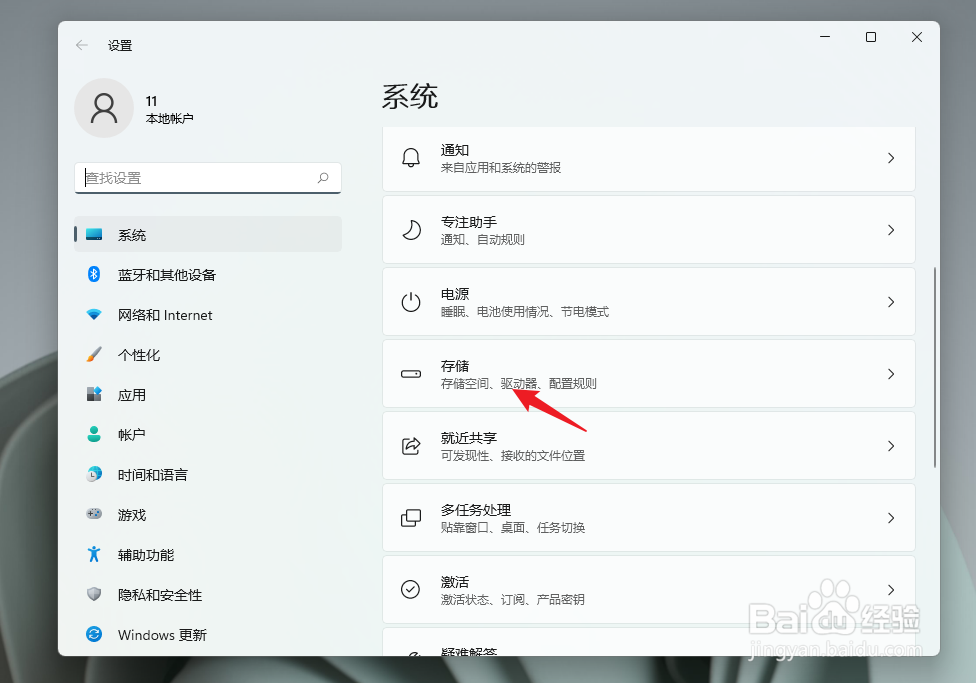
2、在系统设置界面选择存储,如图。
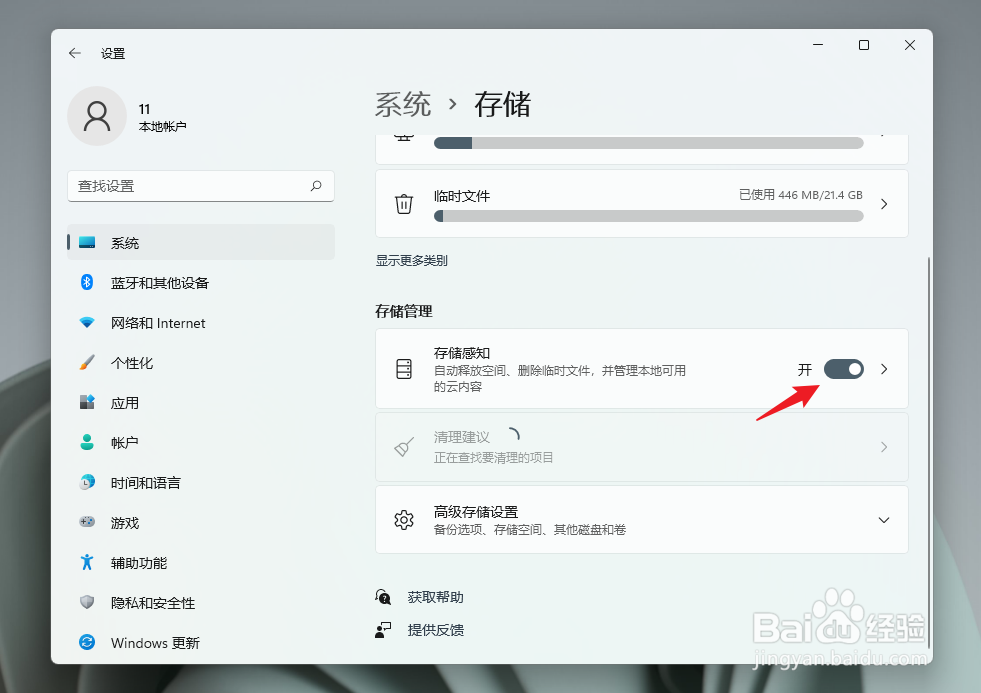
3、在系统存储界面,鼠标下滑,找到存储管理,打开存储感知开关,如图。
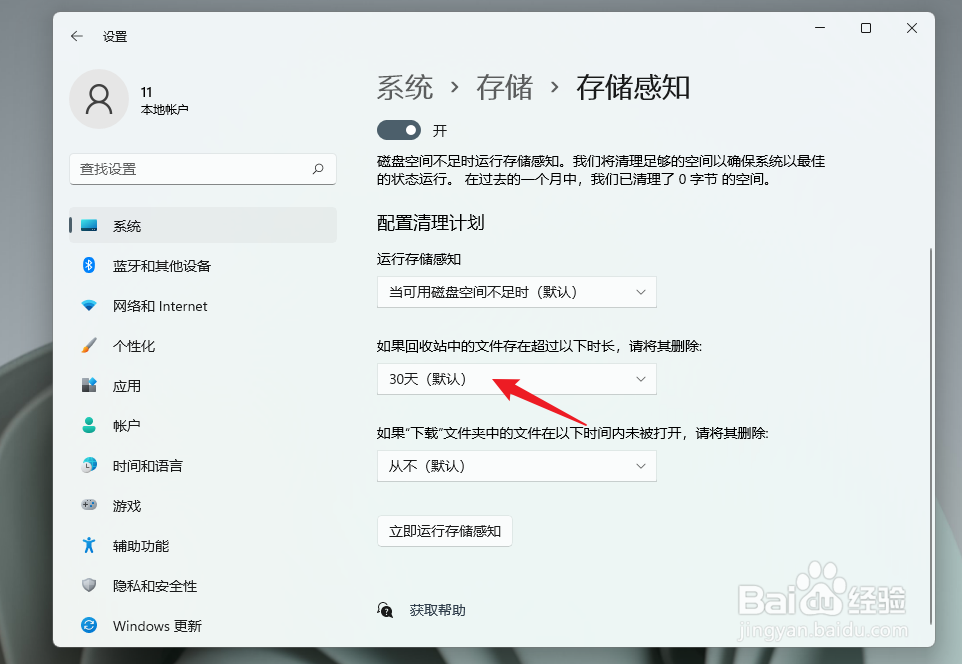
4、在存储感知的配置清理计划中,设定周期。
超过指定时长清空回收站,默认的是30天。
阅读量:183
阅读量:182
阅读量:154
阅读量:117
阅读量:115
1、使用快捷键Windows+I,打开系统设置,如图。
2、在系统设置界面选择存储,如图。
3、在系统存储界面,鼠标下滑,找到存储管理,打开存储感知开关,如图。
4、在存储感知的配置清理计划中,设定周期。
超过指定时长清空回收站,默认的是30天。