PowerPoint2007如何插入L形图案
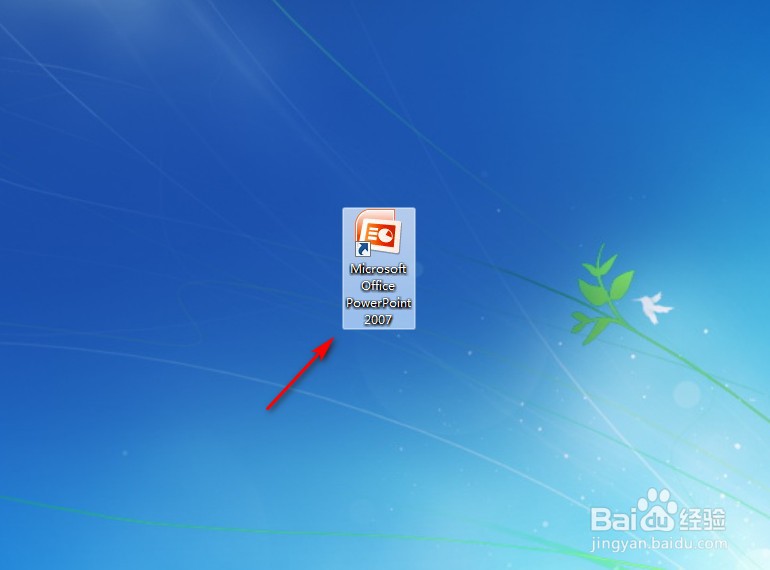
1、点击打开PowerPoint2007。
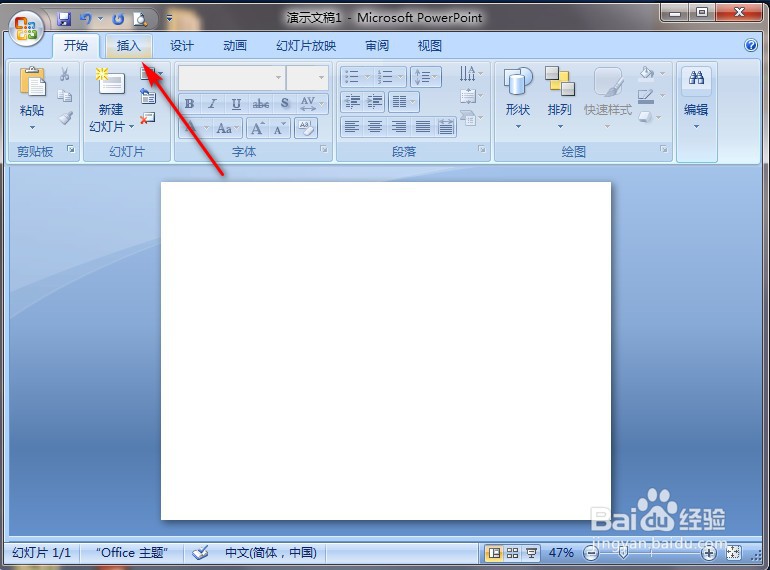
2、点击PowerPoint2007左上角“插入”。
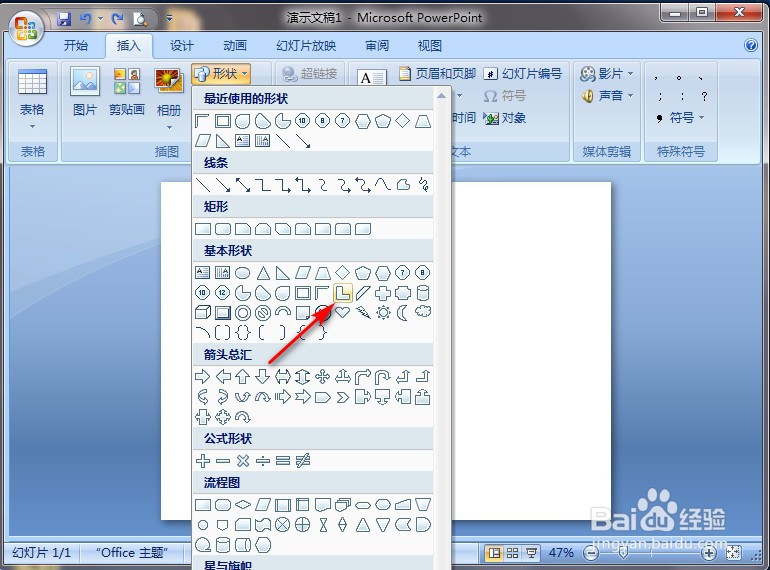
3、点击“形状”。

4、点击“L形图案”图案。
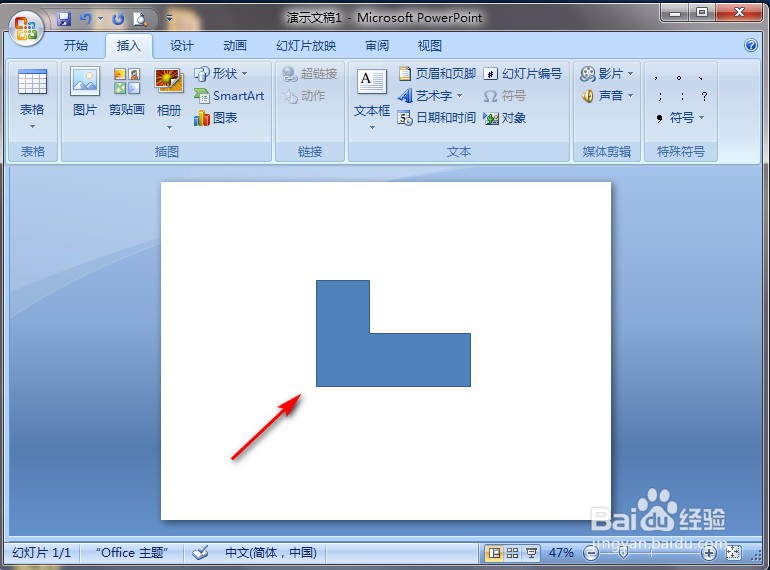
5、在PowerPoint2007空白处长按鼠标左键进行划拉,就完成了。
阅读量:139
阅读量:191
阅读量:165
阅读量:175
阅读量:160
1、点击打开PowerPoint2007。
2、点击PowerPoint2007左上角“插入”。
3、点击“形状”。
4、点击“L形图案”图案。
5、在PowerPoint2007空白处长按鼠标左键进行划拉,就完成了。