steam客服在哪
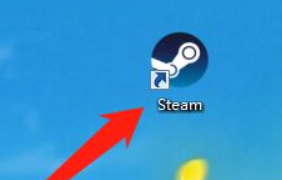
1、在电脑中打开steam,如下图所示:
2、进入steam,点击顶栏的帮助,如下图所示:

3、点击steam客服,如下图所示:

4、点击一款游戏,如下图所示:
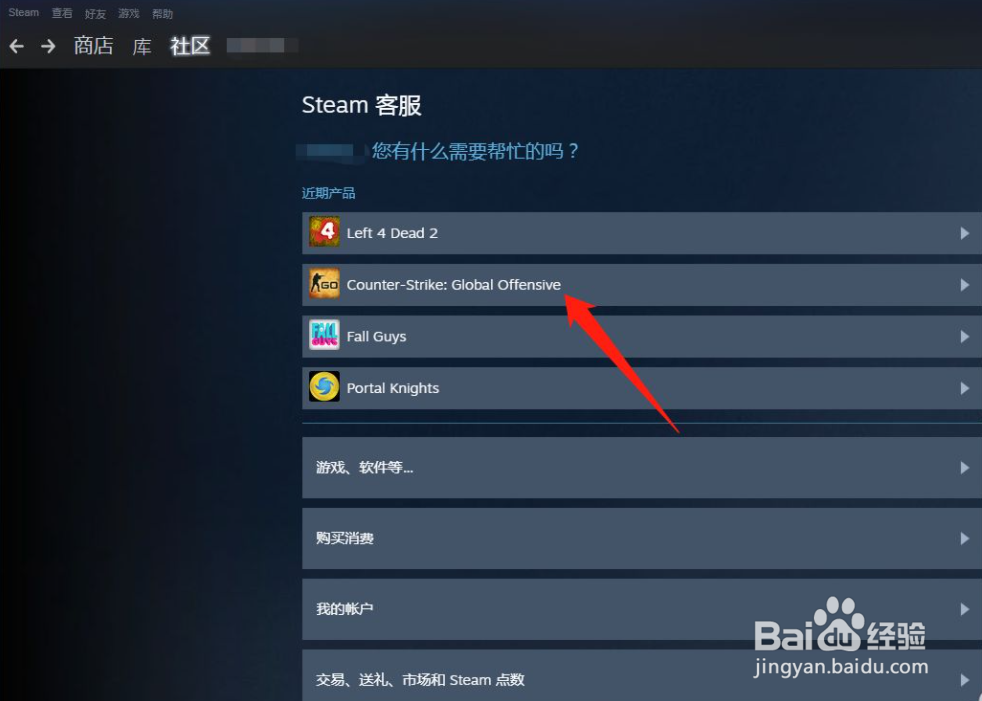
5、选择在游戏中遇到的问题,如下图所示:

1、1.在电脑中打开steam
2.进入steam,点击顶栏的帮助
3.点击steam客服
4.点击一款游戏
5.选择在游戏中遇到的问题
阅读量:53
阅读量:128
阅读量:167
阅读量:45
阅读量:123
1、在电脑中打开steam,如下图所示:
2、进入steam,点击顶栏的帮助,如下图所示:
3、点击steam客服,如下图所示:
4、点击一款游戏,如下图所示:
5、选择在游戏中遇到的问题,如下图所示:
1、1.在电脑中打开steam
2.进入steam,点击顶栏的帮助
3.点击steam客服
4.点击一款游戏
5.选择在游戏中遇到的问题